

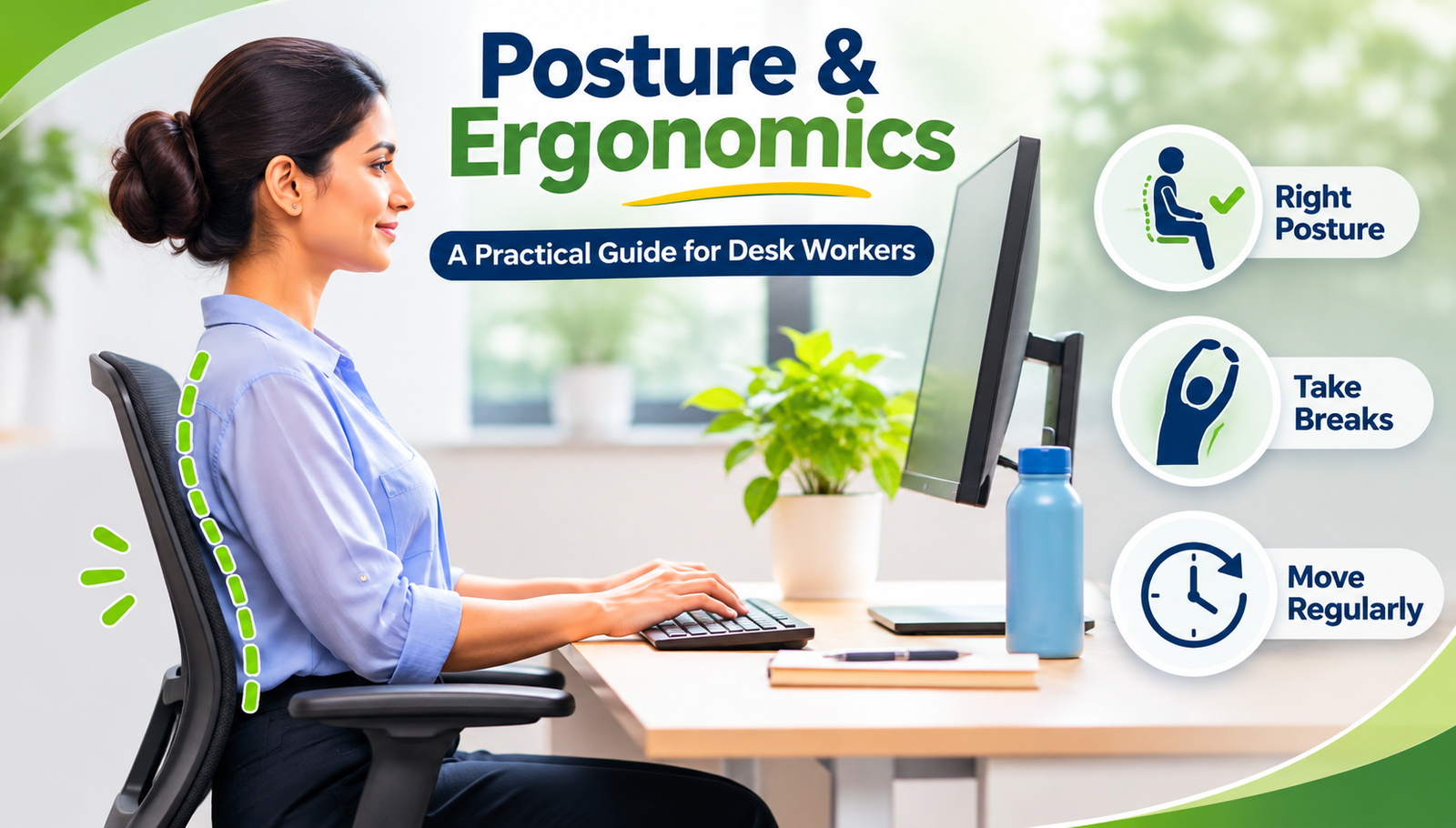
Do you experience constant neck pain, shoulder stiffness, or lower back discomfort after a day at your desk? You’re not alone. For many desk workers, the answer may lie in their desk setup, posture and limited movement, not just stress or age.
As an Occupational Therapist, I’ve seen how even a small mismatch between a person and their workstation can build into real discomfort over time. Poor posture isn’t just about appearance. Staying in one position for hours can leave your muscles tired, tight and sore. The good news? You don’t need an expensive office chair to fix it. Here’s a practical, evidence-based guide to organize a more comfortable workspace that supports your body and productivity.
What are Posture and Ergonomics, and Why do they matter?
Posture refers to the natural way you hold your body while sitting, standing, sleeping and moving.
Ergonomics is the science of designing work environments, tasks and equipment to fit a person's needs, capabilities and limitations.
Why does my neck or shoulder hurt when I work at a desk?
I’m sure you have thought about this question at least once. One possible reason is that your body remains in the same position for long periods, with minimal movement. The head is heavy. When you lean forward towards the screen, muscles of the neck and upper back have to work harder to support it. Maintaining this position for extended periods can lead to muscle fatigue and pain.
When your workstation is set up according to your body’s needs, it can reduce unnecessary physical strain, making your workspace more comfortable and helping you work better.
Common Posture Mistakes Made by Desk Workers
Many desk workers unconsciously develop these habits, which may contribute to muscle pain and discomfort.
Forward head posture: One of the most common problems is forward head posture, with the head leaning towards the screen, which may increase physical strain, often causing neck discomfort, headaches and shoulder pain.
Rounded shoulders: Spending long hours hunched towards the keyboard, typing and using a mouse may contribute to chest tightness, resulting in rounded shoulders and weak upper back.
Twisting or leaning: Twisting or leaning to one side creates uneven muscle use and strain on the spine.
Poor back support: Without proper lower back support, your spine cannot maintain its natural curve, which may increase the risk of lower back discomfort.
Incorrect screen height: A screen that’s too high or too low makes your neck and upper back bend to compensate.
Poor arm and wrist position: Bending the wrist excessively while typing or using a mouse may increase the stress on the wrist and forearm.
Crossed legs or dangling feet: Crossing your legs or sitting with your feet dangling for a long time may cause discomfort in your hip.
Remember, these positions do not automatically cause pain or injury. Even with perfect posture, staying in one position for long hours can strain your spine and muscles. OSHA’s computer workstation guidance also points out that no single posture or arrangement suits everyone.
How to Set Up an Ergonomic Workstation?
Creating an ergonomic workstation does not necessarily require an expensive setup. Whether you work in an office or from home, being aware of common posture mistakes and knowing how to correct them can make a big difference.
Adjust the chair height so that your feet rest flat on the floor (use a footrest if needed), and your knees level with your hips or slightly lower, whichever feels comfortable.
Use a chair with lumbar support or place a small pillow to support the natural curve of the lower back.
Place the screen about an arm’s length away, with the top of the monitor at or just below eye level. Use a stand or pile of books if needed.
When sitting, keep your shoulders relaxed and your elbows close to your body (bend comfortably), supported by armrests if you have them.
Ensure your workstation is symmetrical, with your monitor, keyboard and mouse positioned directly in front of you, within easy reach.
Adjust the screen angle and brightness to minimize glare and unnecessary eye strain.
Keep your elbows close to your body and wrists in a neutral, straight alignment while typing. Use an external keyboard and mouse, so you don’t lean in to use them.
Under the desk, make sure there’s enough room for your legs.
Working from bed or a sofa can be tempting, but it may leave your neck and back in awkward positions. The National Institute for Occupational Safety and Health (NIOSH) advises avoiding soft seating where possible. If you must, use pillows to support your lower back and sit upright.
Movement is Key: Simple Exercises and Tips for Better Posture.
Even a well-designed ergonomic workstation cannot replace the benefits of movement.
Sitting in one position for long periods can contribute to muscle fatigue, tightness and pain. Incorporating regular movements into your workday is therefore essential. A short walk to refill your water or get a snack will also count.
Take a microbreak every 20-30 minutes. Stand up, walk or change your position for 30-60 seconds. Stanford Environmental Health & Safety suggests taking short breaks like this to reduce muscle fatigue.
Use these breaks to perform light stretching at your desk.
Let your eyes relax. Follow the 20/20/20 rule. Every 20 minutes, look at something 20 feet away for 20 seconds.
In addition, gentle movement can help relieve stiffness and improve posture. Here are simple exercises to try:
Chin tucks: Sitting upright, gently draw your chin back as if making a double chin. Hold for 15 to 20 seconds and relax.
Shoulder circles: Place your fingertips on your shoulders and slowly move your elbows in circles, 8-10 times forward and then backwards.
Chest stretch: Clasp your hands behind your head with elbows pointing outwards. Gently draw your elbows back and lift your chest, keeping your neck relaxed. Hold for 15 to 20 seconds and relax.
Neck mobility: Slowly turn your head side to side, then nod up and down, within a comfortable range. Avoid forcing the movement.
Upper trapezius stretch (the muscle between your neck and shoulder): Hold the edge of your seat with your left hand. Gently tilt your right ear towards your right shoulder until you feel a mild stretch on the left side of your neck. Keep your shoulders relaxed and avoid pulling. Hold for 15-20 seconds, then switch sides.
Wrist stretch: Extend one arm in front of you with your elbows straight and palm facing up. Gently use the other hand to pull the fingers down. Hold briefly, then switch sides.
These gentle exercises can be done at your desk. Move slowly, hold each stretch for 15-20 seconds and repeat 2-3 times. Do shoulder circles 8-10 times in each direction. Stop immediately if the discomfort increases or you feel pain or dizziness.
Everyday Habits that Help
Small habits add up over time. Alternate between sitting and standing while working, and take short walks. Keep water at your desk, get up to refill it and set a reminder to change positions. Regular physical activity, adequate sleep and balanced nutrition support overall health and recovery. Incorporating movement into your daily routine can also help reduce the physical demands of prolonged desk work.
When to Seek Professional Help?
Occasional stiffness and discomfort may improve with self-care. Consult a healthcare professional, such as a doctor, physiotherapist or occupational therapist, if your pain lasts for several weeks, worsens over time, or wakes you up at night. Seek immediate medical assistance if you experience numbness, tingling or weakness in your arms or hands.
Conclusion
Neck and back discomfort are common in desk workers, but it is not something you have to accept. Adjust your screen height, support your lower back and remind yourself to change positions every 20 to 30 minutes. A well-set workstation, regular movements, short breaks and a few simple stretches can make a real difference.
Remember, good posture is not about sitting all day perfectly; it's about designing a workspace that supports your body and making movement a part of your daily habits.
Disclaimer: This article is for informational purposes only and should not replace professional medical advice.
References
AOA Staff. (n.d.). 20-20-20 rule and digital eye strain. American Optometric Association (AOA). https://www.aoa.org/AOA/Images/Patients/Eye%20Conditions/20-20-20-rule.pdf
Lowe, B.D., Nigam, J.A.S., Caruso, C., Wong, I., Tisdale-Pardi, J. (2020, November 20). Working from home: How to optimize your work environment and stay healthy. NIOSH Science Bulletin, Centers for Disease Control and Prevention. https://www.cdc.gov/niosh/bulletin/2020/working-from-home.html
Occupational Safety and Health Administration. (n.d.). Computer workstations eTool. U.S. Department of Labor. https://www.osha.gov/etools/computer-workstations
Stanford Environmental Health & Safety. (n.d.). Microbreaks. Stanford University. https://ehs-library.stanford.edu/topic/ergonomics/microbreaks.html














💬 Comments (0)
Be respectful. Website links and phone numbers are not allowed.